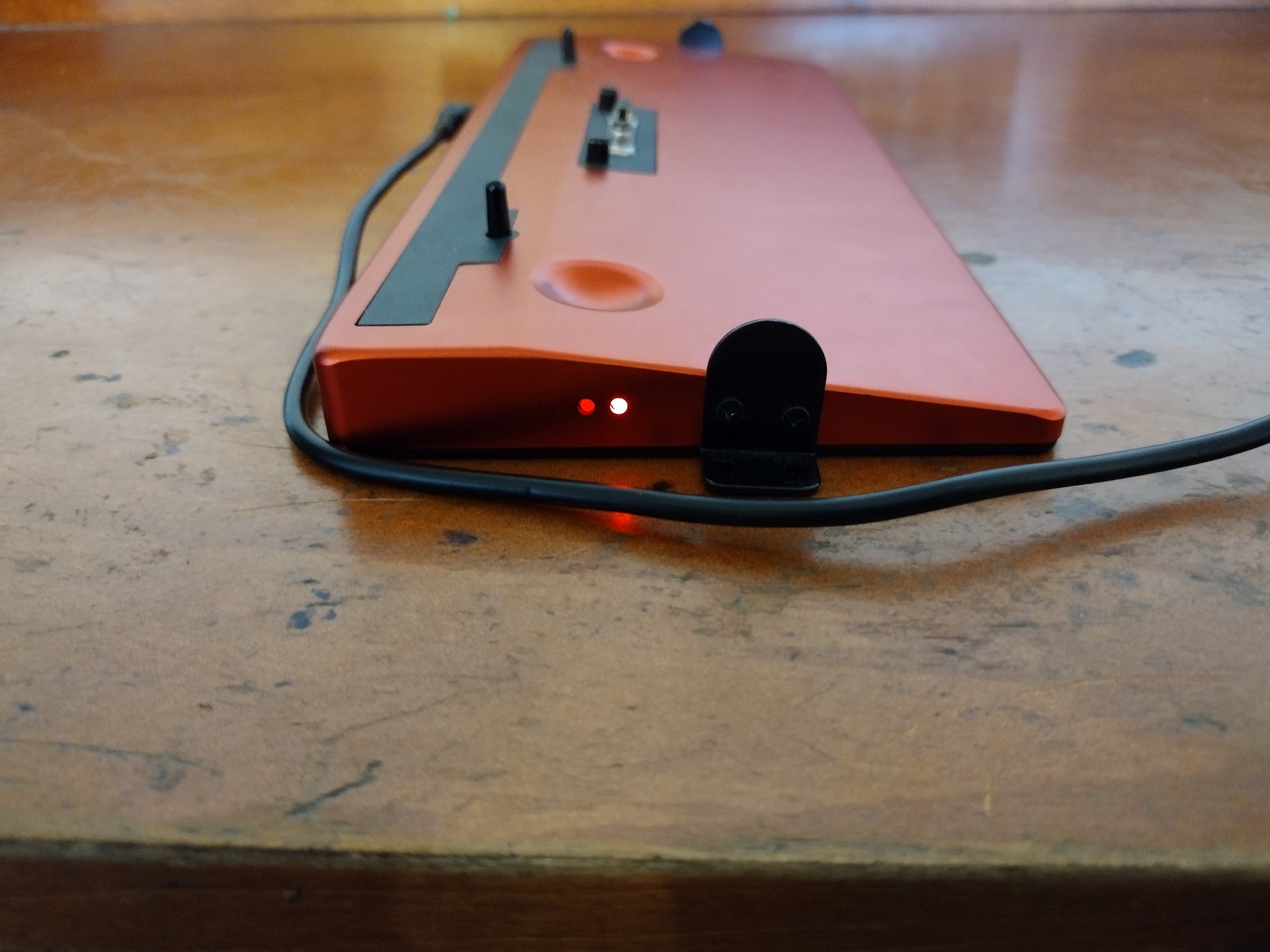
Hardware Overview
An overview of the different hardware components available
To accomplish this process, you will need:
WP Securebook
Docking Station (Red or Black)
Securebook Charger
Docking Station Evaluation
This section will cover all of the ports and functions of both the Black (USB) Docking Station and the Red (Wi-Fi) Docking Station.
Black (USB) Docking Station
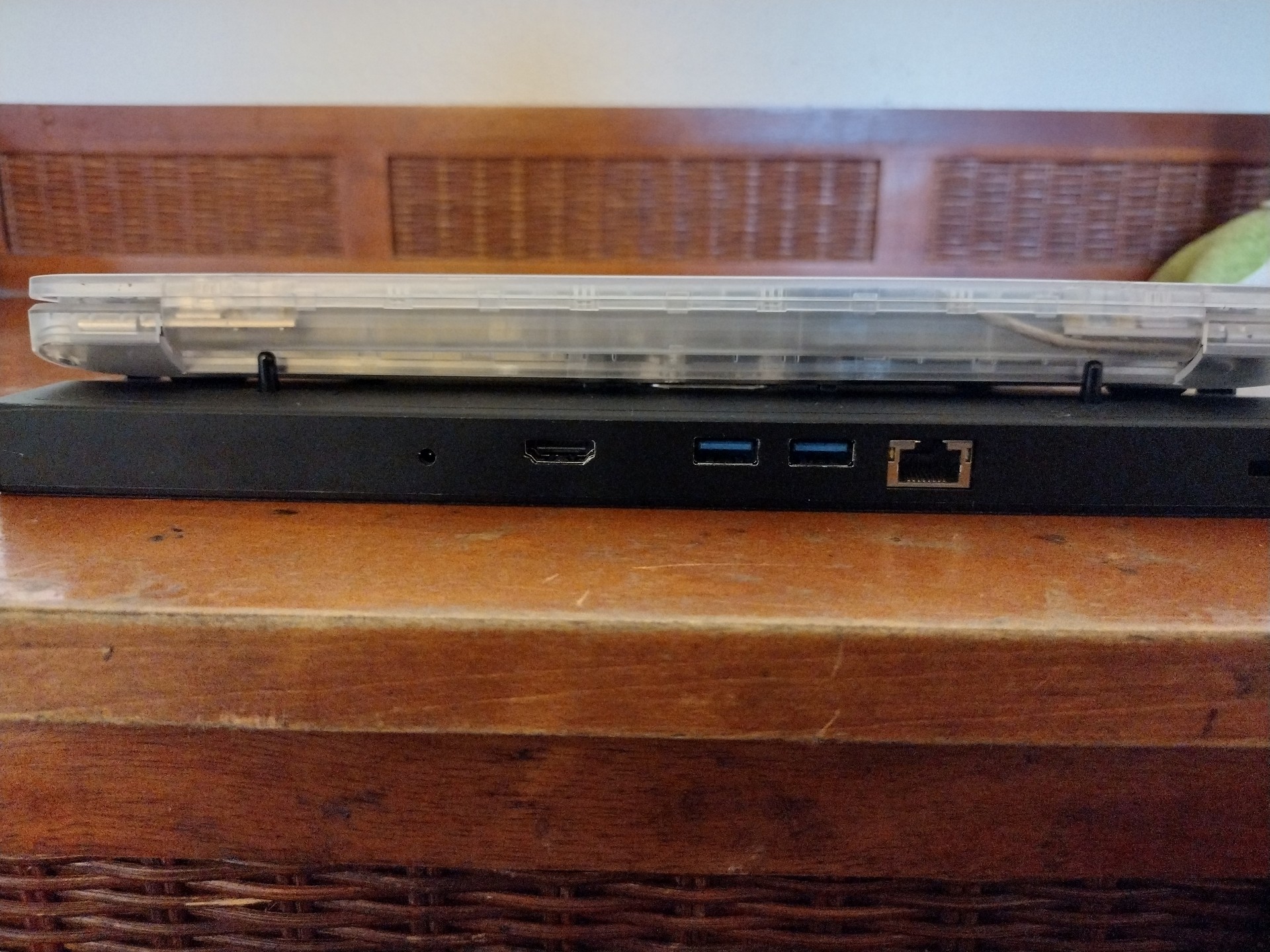
The USB Docking Station is for when you need to connect your Securebook to a USB, Ethernet, or HDMI connection. Additionally, the docking station has a charging port, perminant placement screw mounts, and a Kensington port lock.


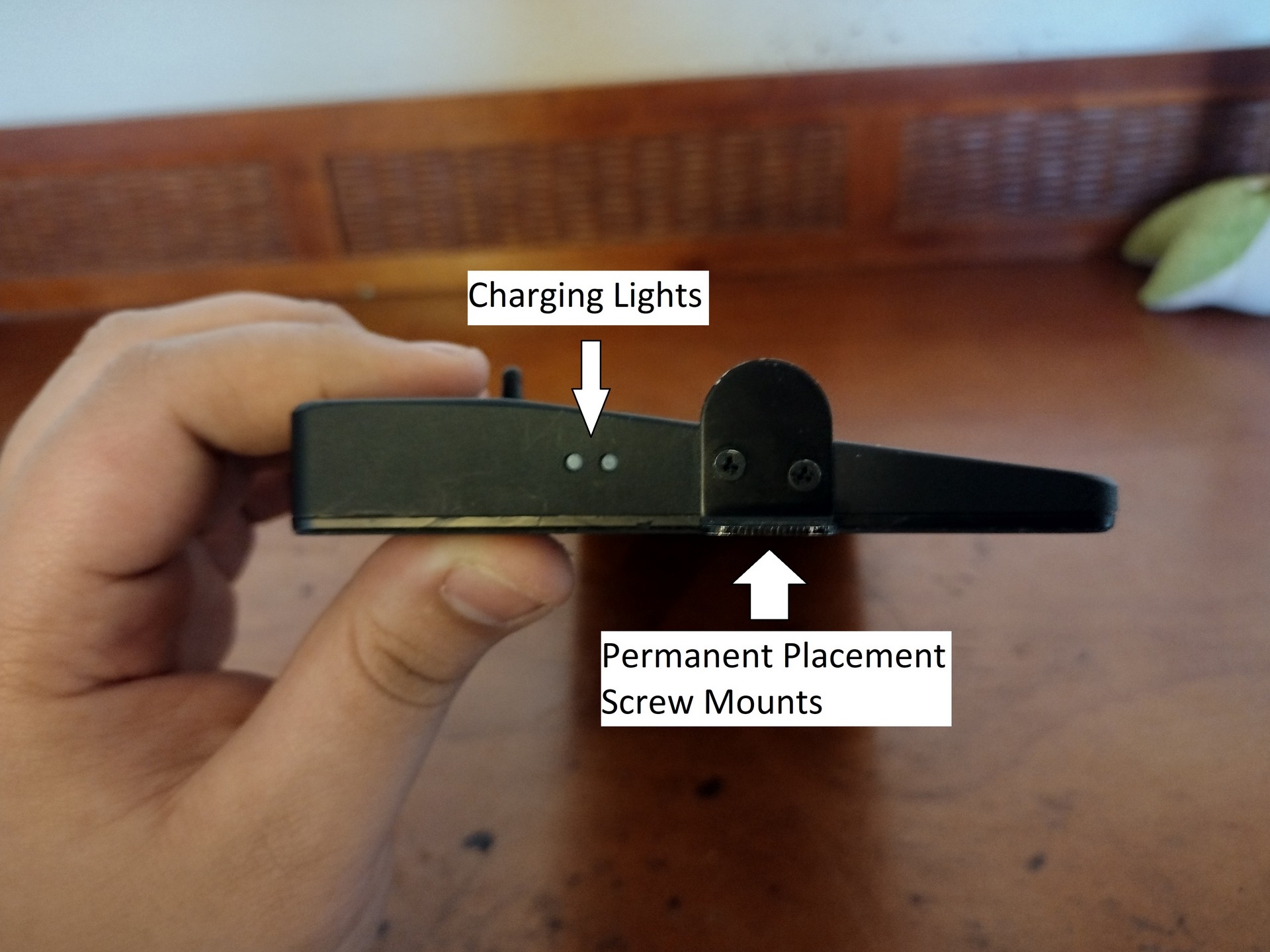
When connecting to a Securebook, the securebook is placed snug against the dock with the dock’s protruding connector securely placed inside the Securebook’s docking port on the bottom.
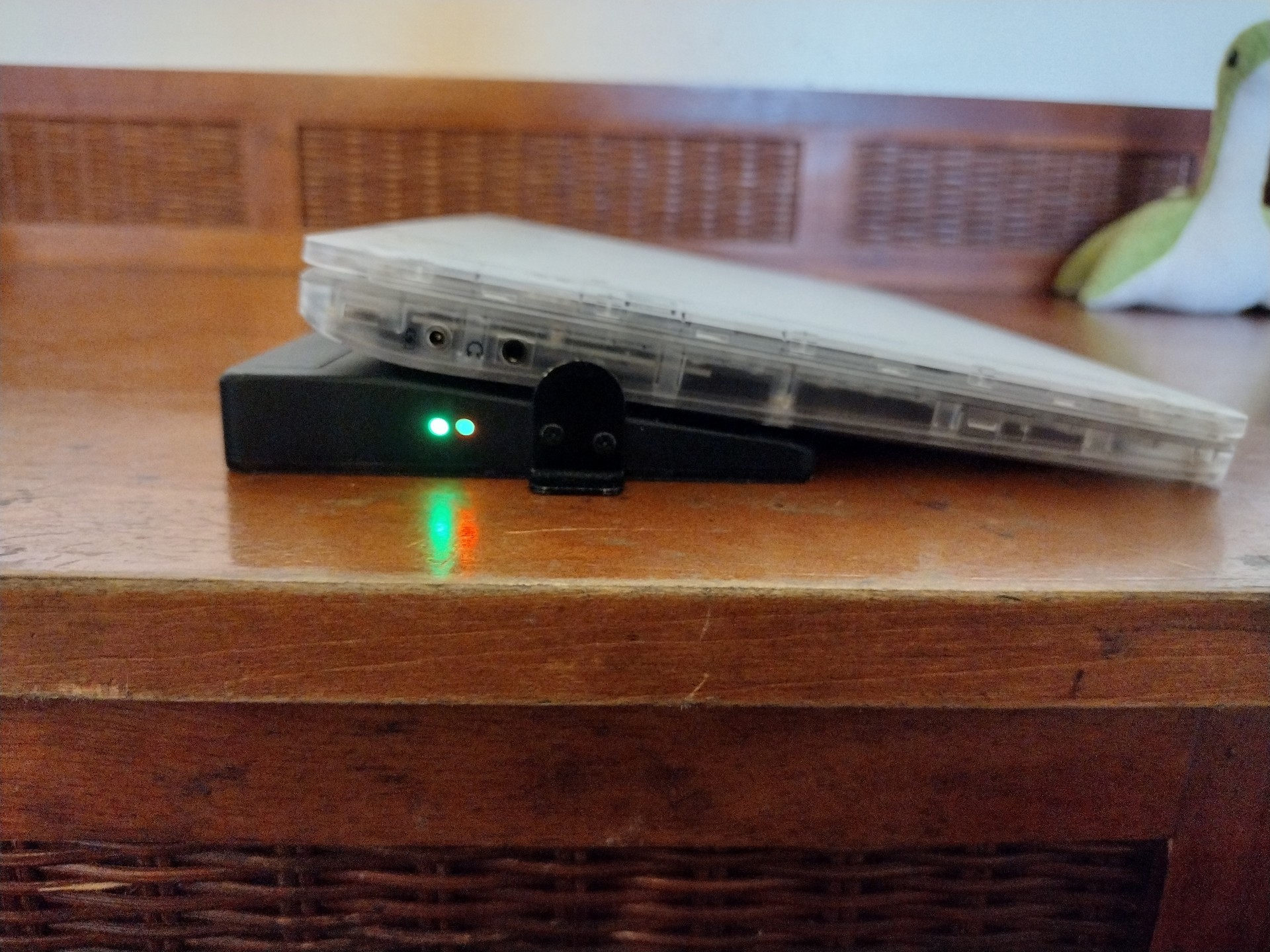
When a powered on securebook is properly docked, a green LED light will show on the side of the Docking Station.
When a securebook is improperly docked or the Docking Station has the charger plugged into it without the securebook being docked, a red LED light will show on the side of the Docking Station.
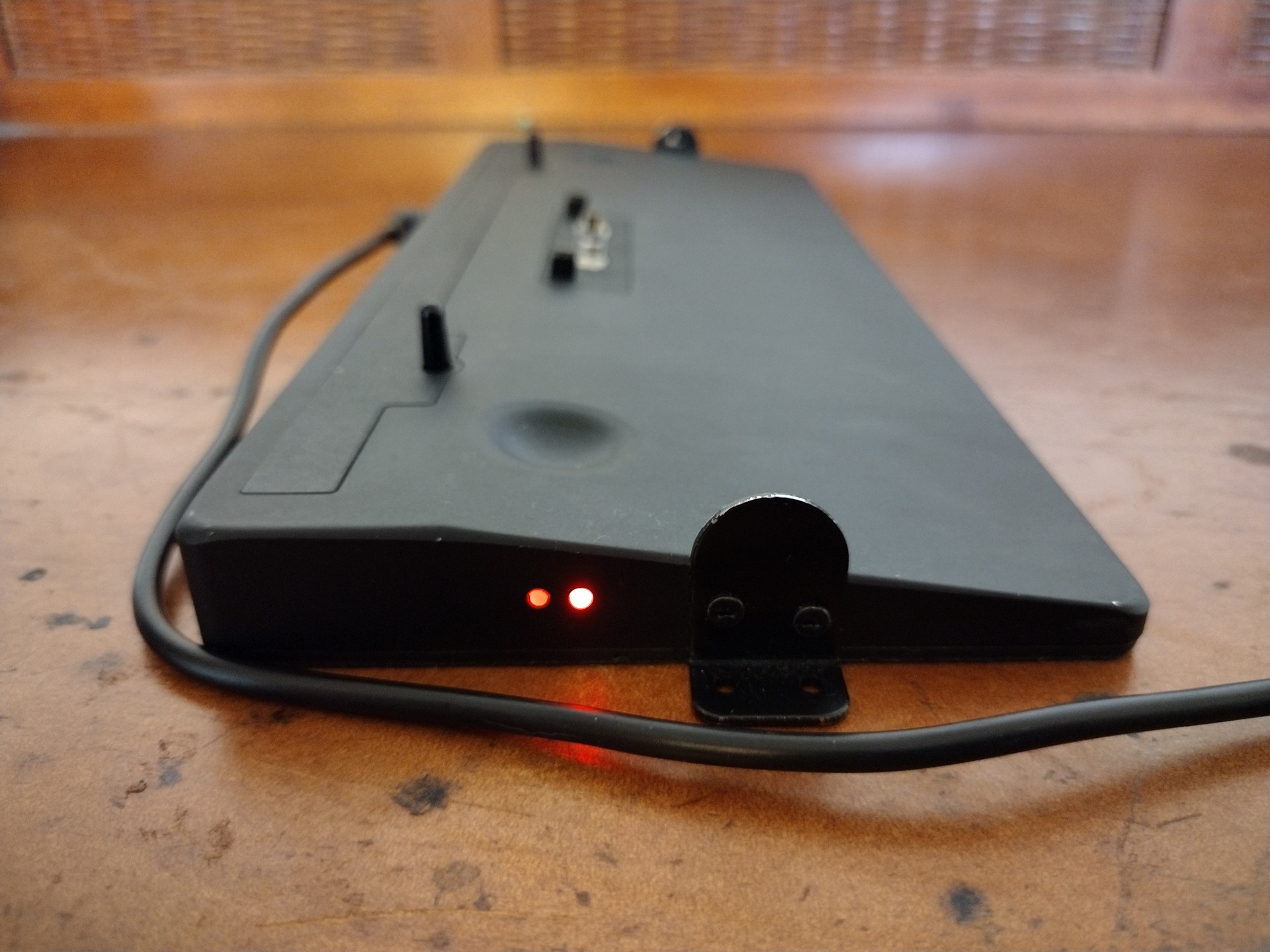
Red (Wi-Fi) Docking Station
The Wi-Fi Docking Station is for when you need to connect your Securebook to a wireless network. Additionally, the docking station has a charging port, perminant placement screw mounts, and a Kensington port lock.

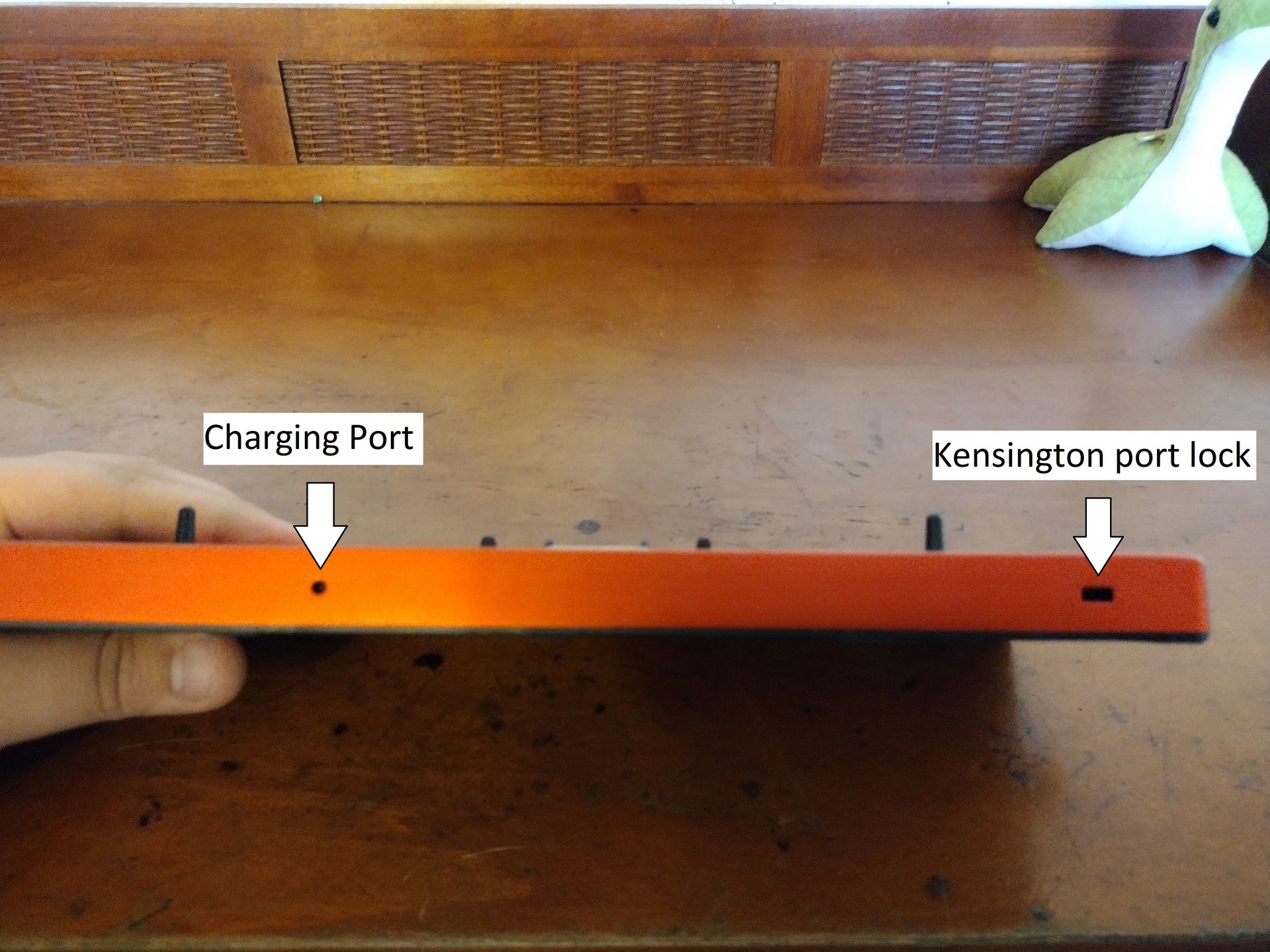
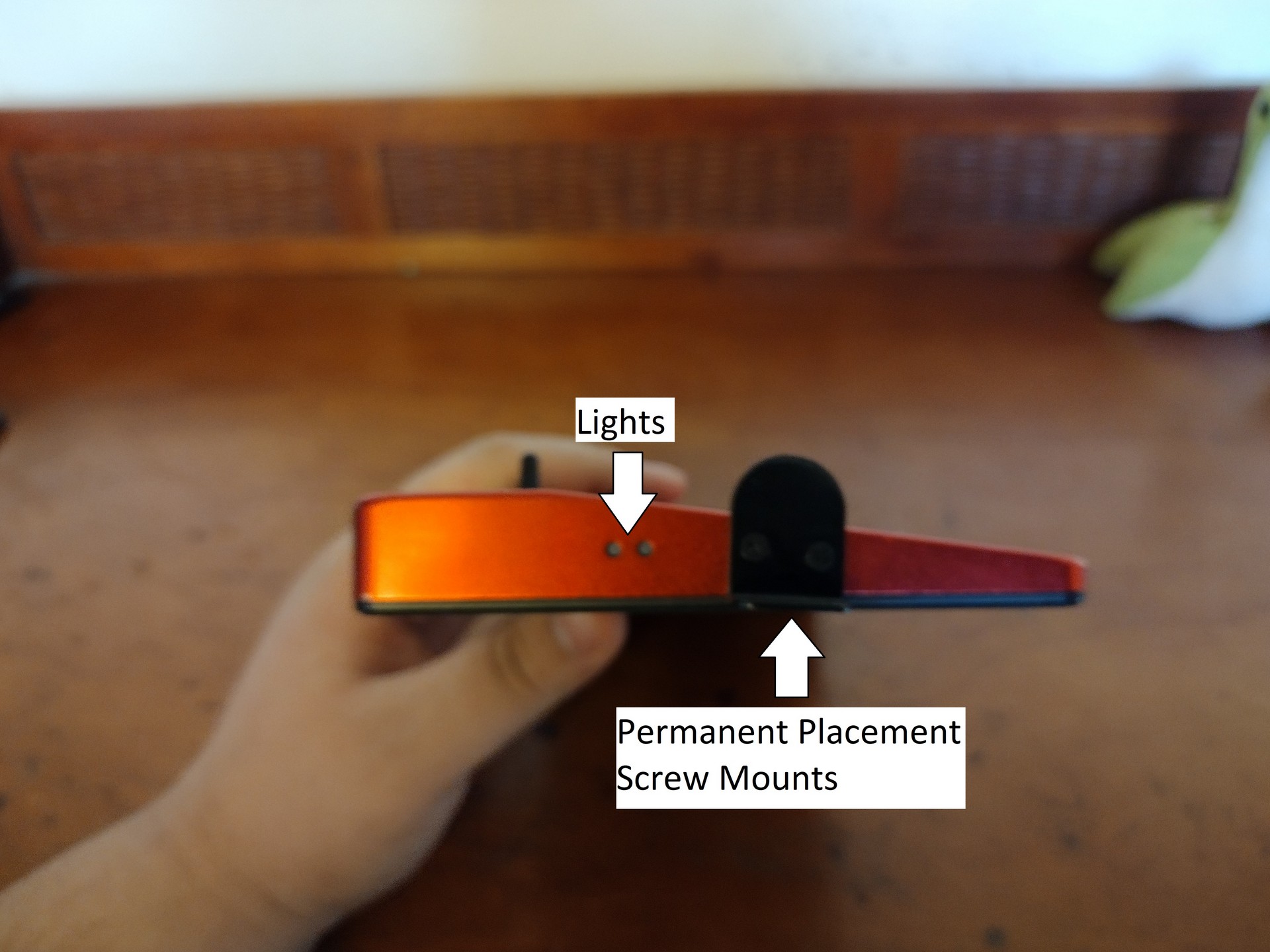
When connecting to a Securebook, the securebook is placed snug against the dock with the dock’s protruding connector securely placed inside the Securebook’s docking port on the bottom.
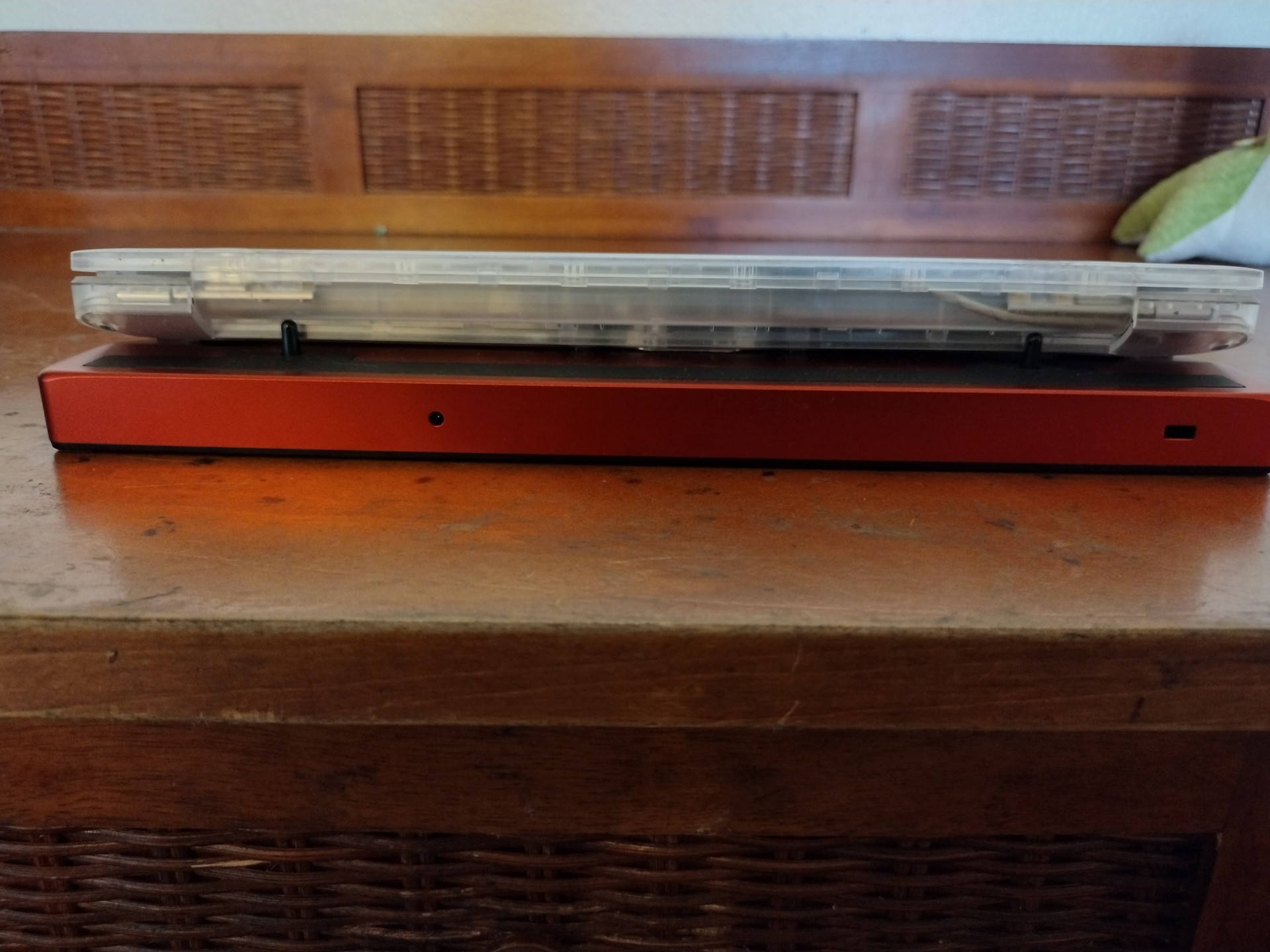
When a powered on securebook is properly docked, a green LED light will show on the side of the Docking Station.
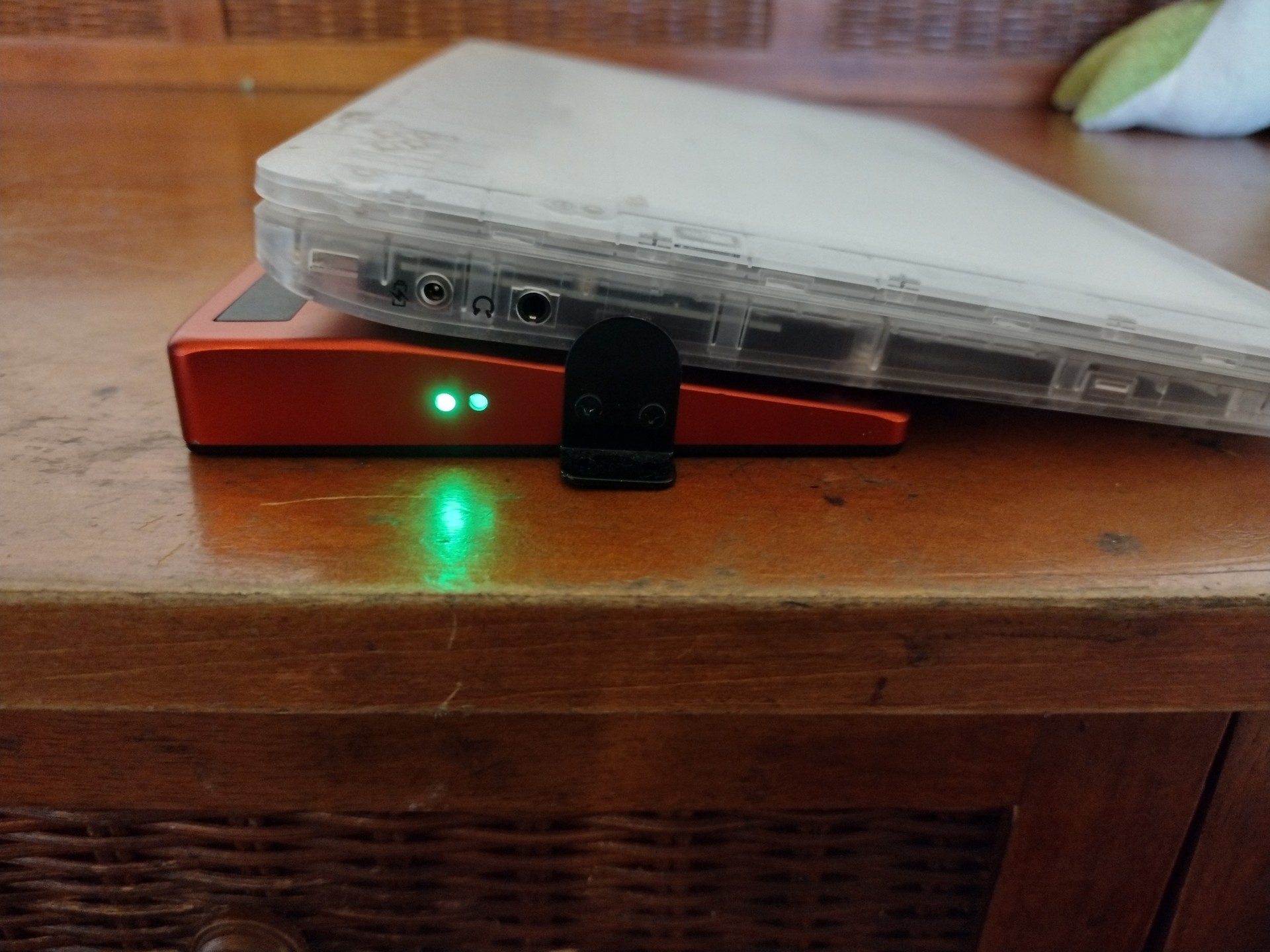
When a securebook is improperly docked or the Docking Station has the charger plugged into it without the securebook being docked, a red LED light will show on the side of the Docking Station.