Checking Browser History
This guide will help the admin check the browser history of the student account.
To accomplish these processes, you will need:
WP Securebook
Student Credentials
Power on the Securebook
Log into the Student account using the Student Credentials
Open the Web Broswer
Enter the following address into the address bar:
chrome://history

Note
In the center of the page, below the searchbar, is the history area that will display all of the student’s browser history in chronological order, newest history being at the top.
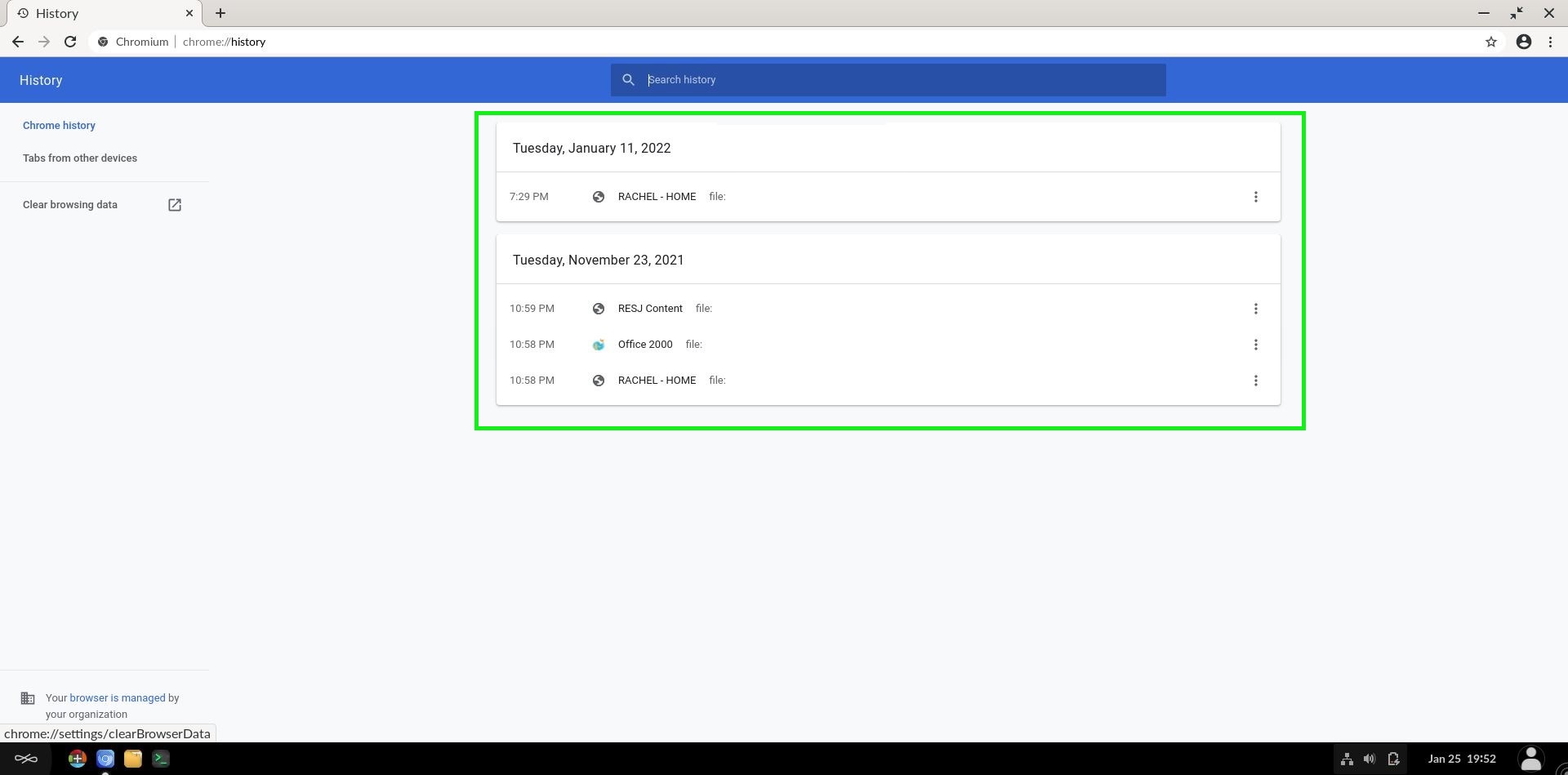
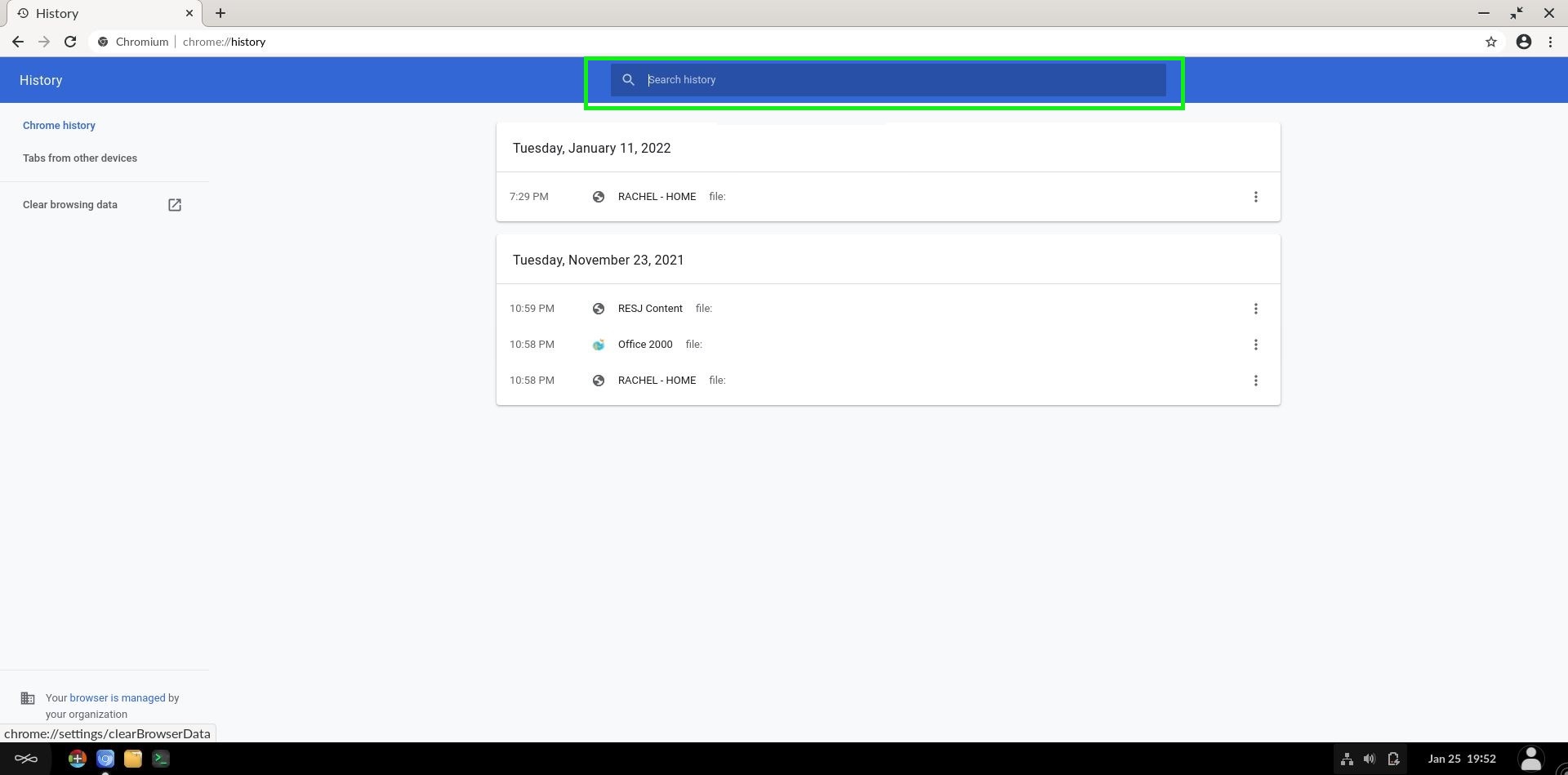
Here the student’s Browser History can be viewed Additionally, the searchbar at the top allows you to use keywords or website names to narrow your search through the saved history.