Recovery USB Installation
This guide will help you learn to image a fresh securebook using a World Possible Recovery USB device
To accomplish this process, you will need:
WP Securebook
Black (USB) Docking Station
WP Recovery USB
Securebook Charger
To install a new image to a Securebook using a Recovery USB, follow these steps:
Power down the Securebook
Plug in the Securebook Charging Cable
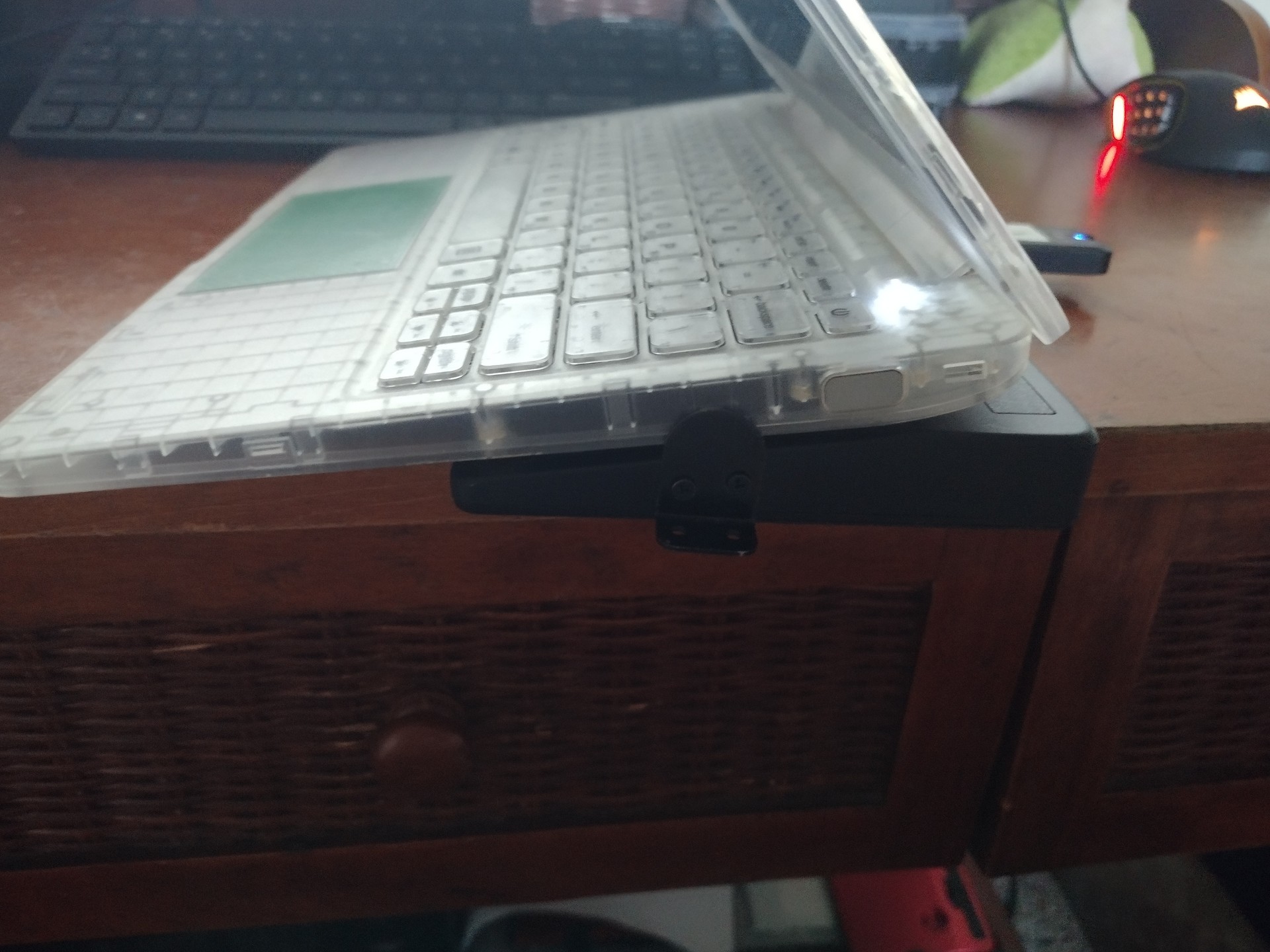
Dock the Securebook onto a black (USB) Docking Station
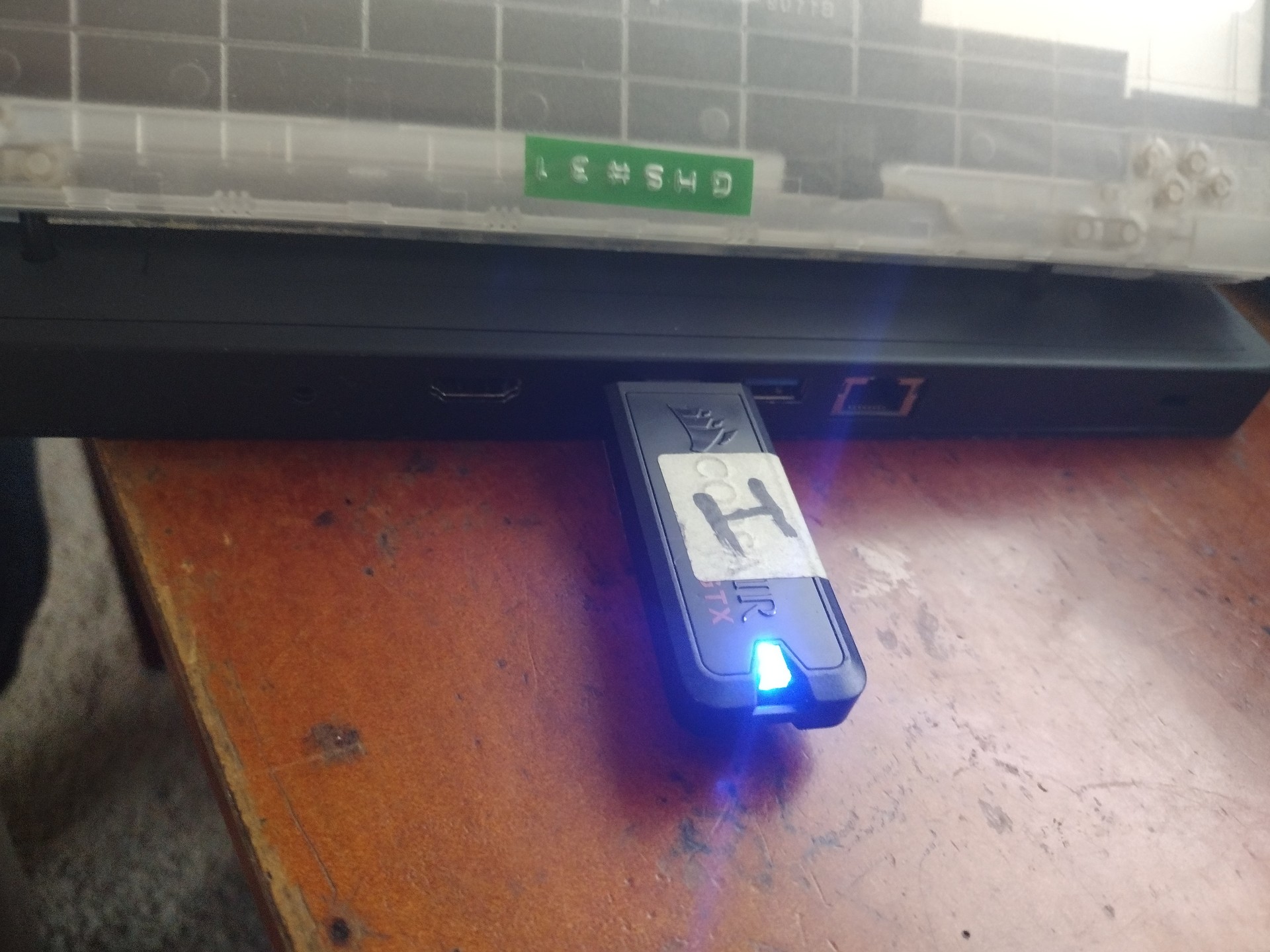
Plug the Recovery USB into the Docking Station
Turn on the Securebook
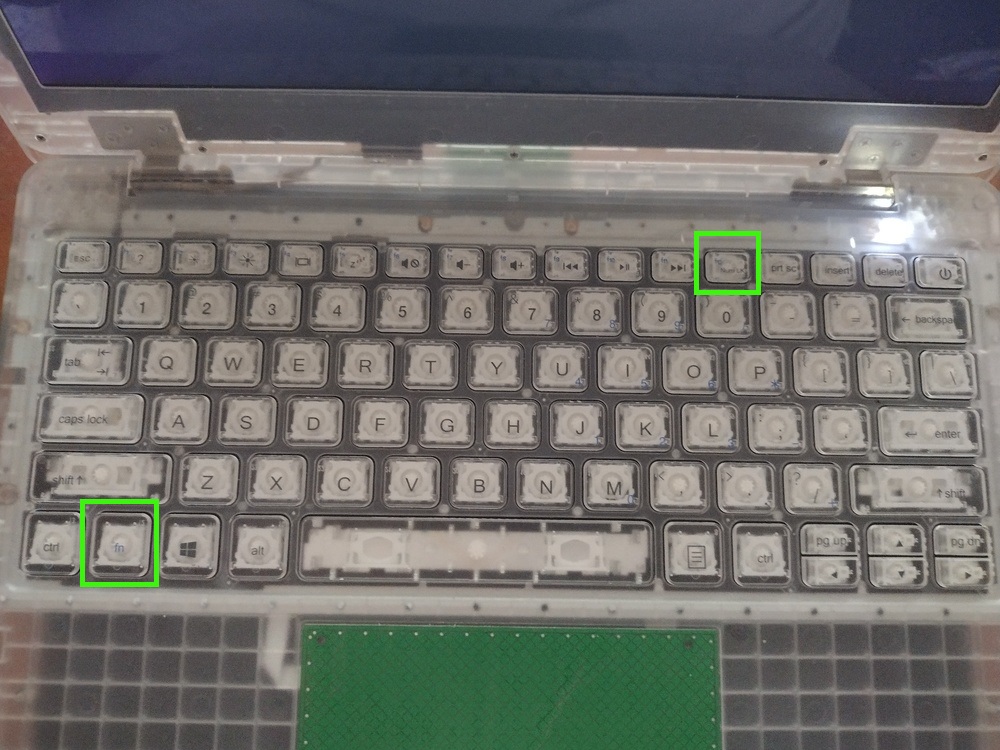
Hold the Fn key and repeatedly press F12 to being up the BIOS password input
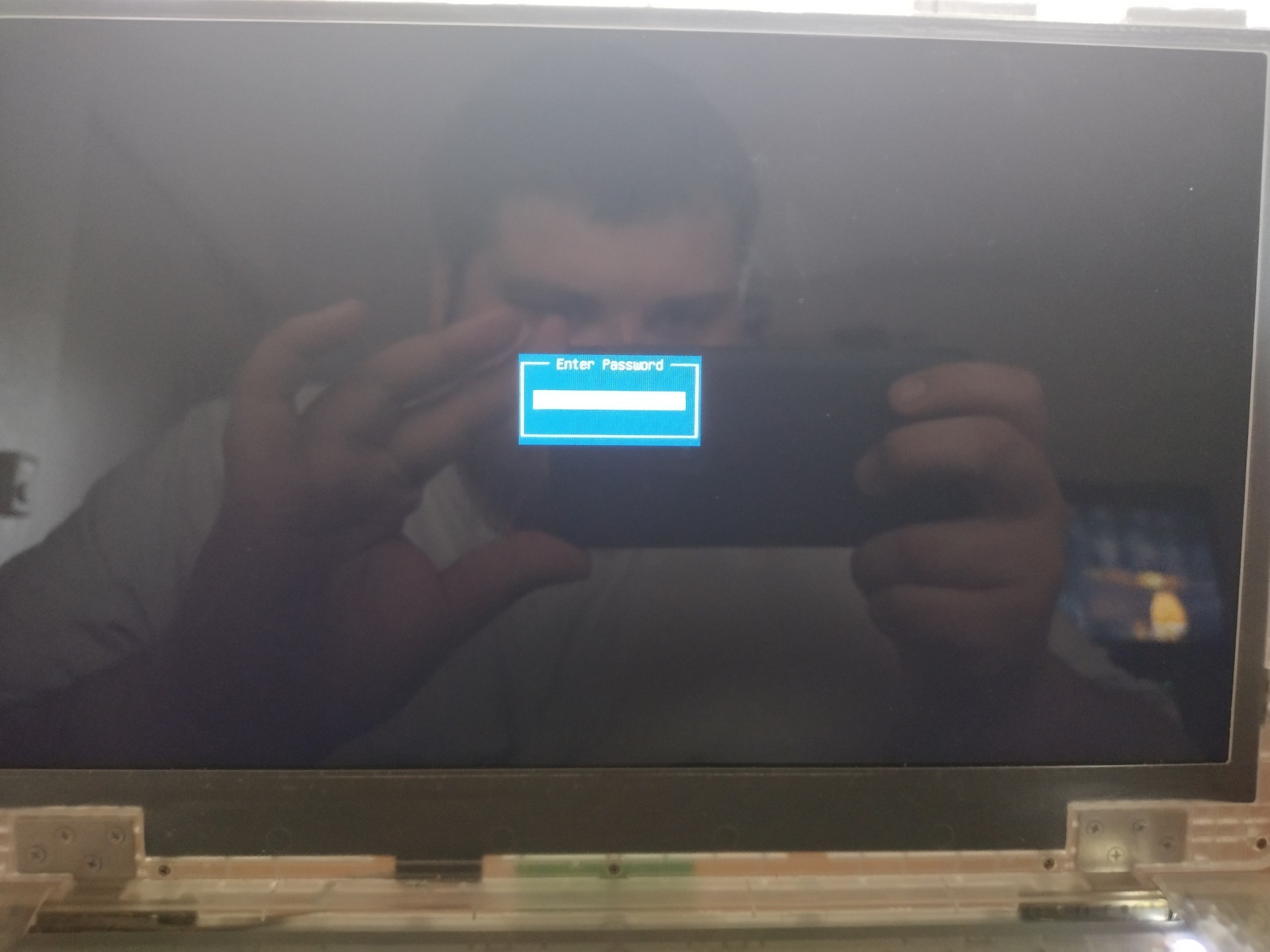
Enter the BIOS Password
Navigate to and select the Recovery USB from the list provided
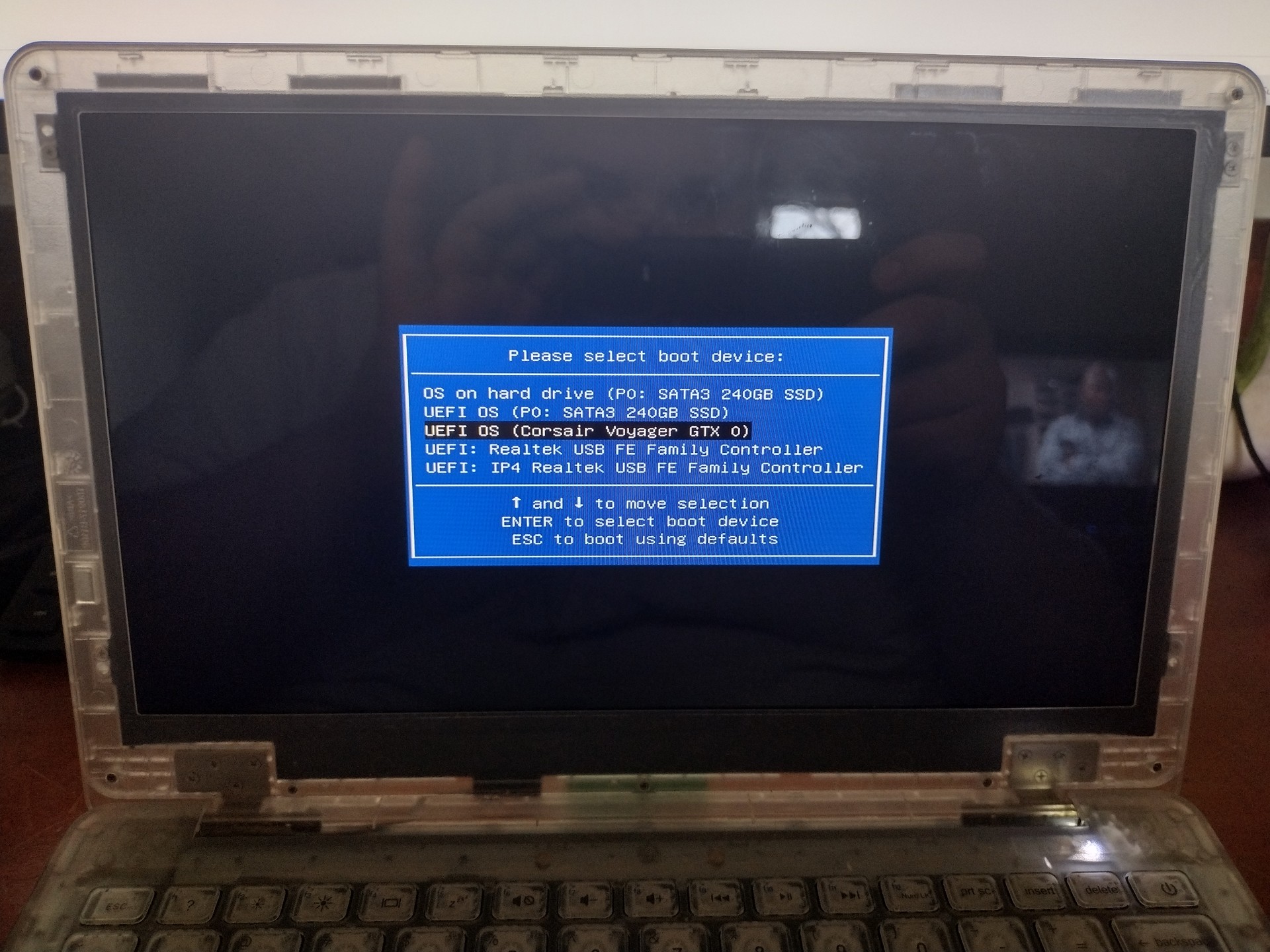
Allow the image to run until conclusion.